


What the system knows
Components, containers, layout properties, configuration states, and build processes.Product design no-code SaaS 2025
Store apps
without code.
Making mobile app creation understandable for store owners who do not build apps, write code, or think in technical UI systems.
Project overview
Useful freedom.
Understandable boundaries.
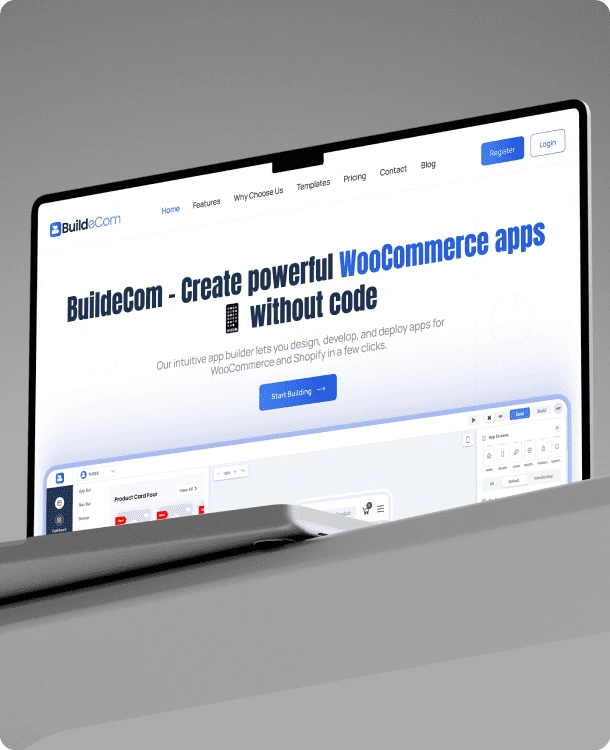
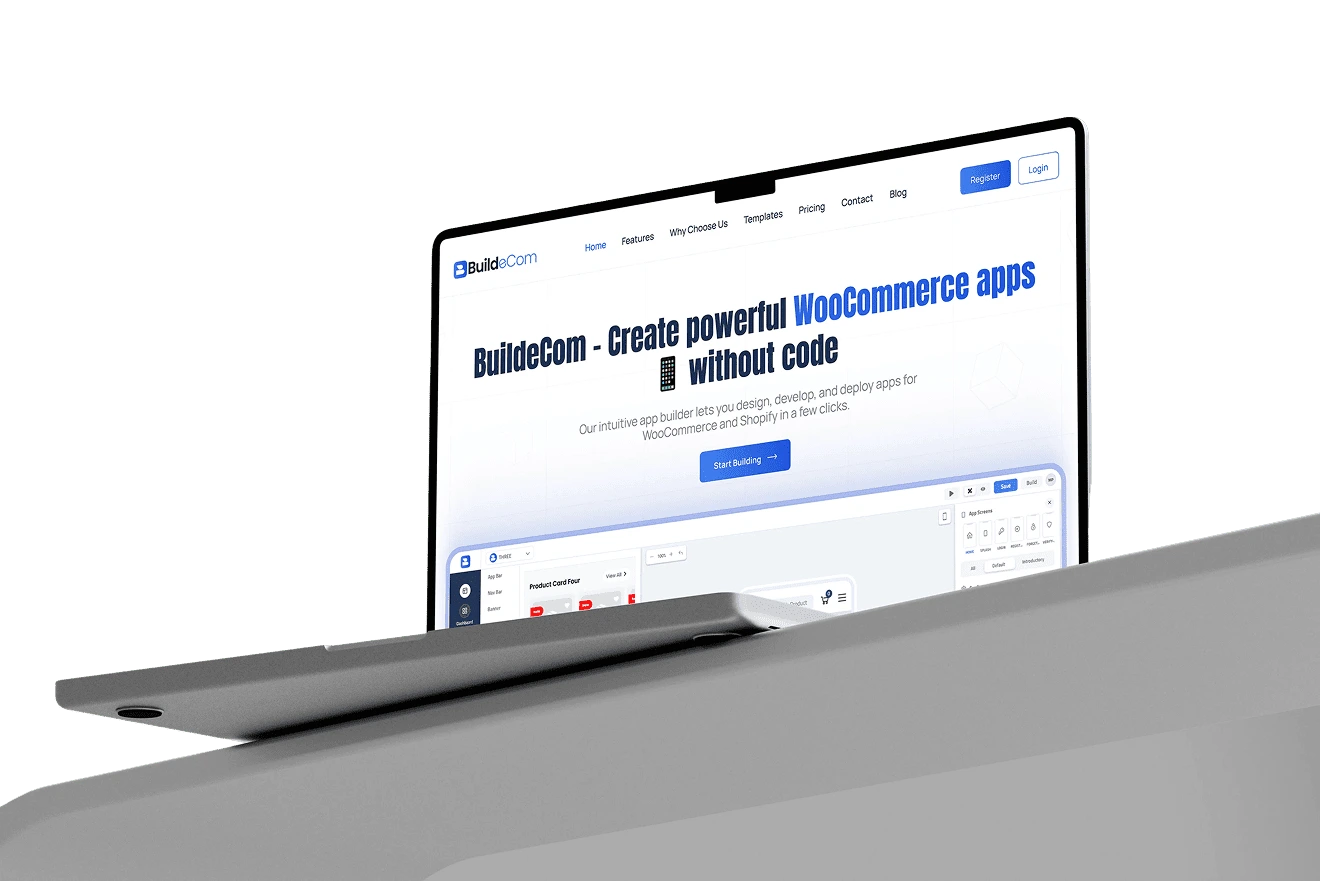
BuildeCom gives WooCommerce and Shopify owners the ability to create branded mobile apps. The difficult product challenge was keeping the builder flexible without making merchants learn how app builders work.
- Role
- Product / UI/UX & Brand Designer
- Scope
- UX flows, IA, UI, design system & branding
- Users
- Store owners and e-commerce teams
- Platform
- Web application
30 sec case study
BuildeCom in 30 seconds
Short on time? Hear how the builder turns technical configuration into clear merchant decisions.
00:00 / 00:30
View transcript
BuildeCom helps store owners turn an online store into a branded mobile app without code. The hard part was not adding more controls. It was giving merchants useful freedom without forcing them to understand components, layout properties, or build processes.
I explored canvas-first and template-first approaches before choosing a more predictable builder: a component library, live mobile preview, and contextual controls. Templates offer a starting point, while deeper settings appear only when needed. The experience connects store setup, editing, preview, and publishing into one journey.
The result is a powerful tool that lets merchants think in outcomes, not technical configuration.
বিল্ডইকম দোকানমালিকদের কোড ছাড়াই অনলাইন স্টোর থেকে ব্র্যান্ডেড মোবাইল অ্যাপ তৈরি করতে সাহায্য করে। কঠিন বিষয়টি আরও কন্ট্রোল যোগ করা ছিল না। মার্চেন্টদের এমন স্বাধীনতা দেওয়া দরকার ছিল, যাতে তাদের কম্পোনেন্ট, লেআউট প্রপার্টি বা বিল্ড প্রসেস শিখতে না হয়।
আমি ক্যানভাস-ফার্স্ট ও টেমপ্লেট-ফার্স্ট পদ্ধতি পরীক্ষা করে একটি পূর্বানুমেয় বিল্ডার বেছে নিয়েছি: কম্পোনেন্ট লাইব্রেরি, লাইভ মোবাইল প্রিভিউ এবং প্রাসঙ্গিক কন্ট্রোল। টেমপ্লেট শুরু করতে সাহায্য করে, আর গভীর সেটিংস শুধু প্রয়োজন হলে দেখা যায়। স্টোর সংযোগ, এডিটিং, প্রিভিউ এবং পাবলিশিংকে এক যাত্রায় এনেছি।
ফলে মার্চেন্টরা প্রযুক্তিগত কনফিগারেশন নয়, কাঙ্ক্ষিত ফল নিয়ে ভাবতে পারেন।
01 / 04Context
The problem
Merchants think in
outcomes, not properties.
What the merchant wants
A banner here. These products there. This should match my brand. Show me how it looks.01 — Framing the journey
The system has many configuration steps. The merchant has one goal: to make their store look good as an app.
Reduce the distance
between intent and output.
- 01Connect store
- 02Choose a screen or template
- 03Add and arrange content
- 04See the result live
- 05Preview, build, and publish
02 — Interaction exploration
The most direct idea
isn’t always the easiest.
Canvas-first
Editing directly on the phone preview felt immediate, but became structurally ambiguous as screens grew more complex.
Rejected as the primary modelTemplate-first
Templates solved the blank-page problem, but could not become a rigid substitute for meaningful customisation.
Used as a starting pointSidebar-first
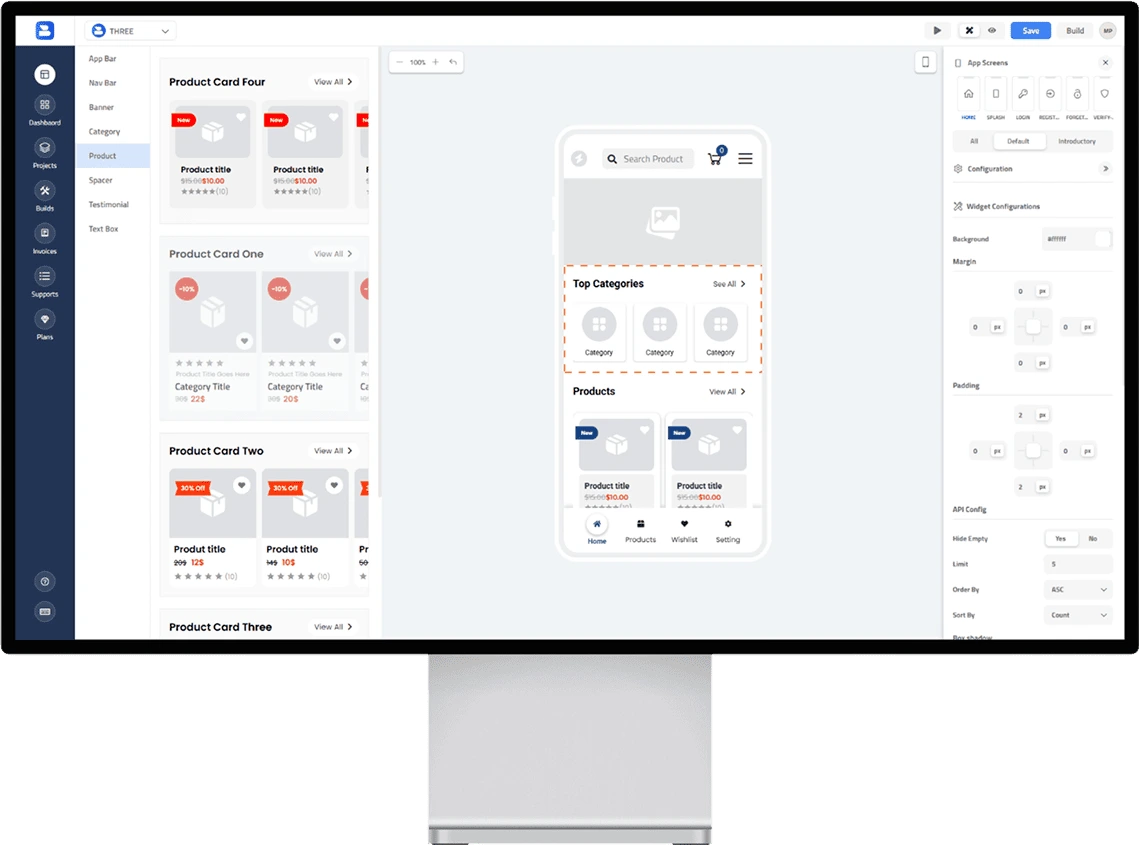
A predictable component library, live preview, and contextual controls made the editing model easier to understand.
Chosen foundation03 — The builder
Choose.
Add. See.
Adjust.
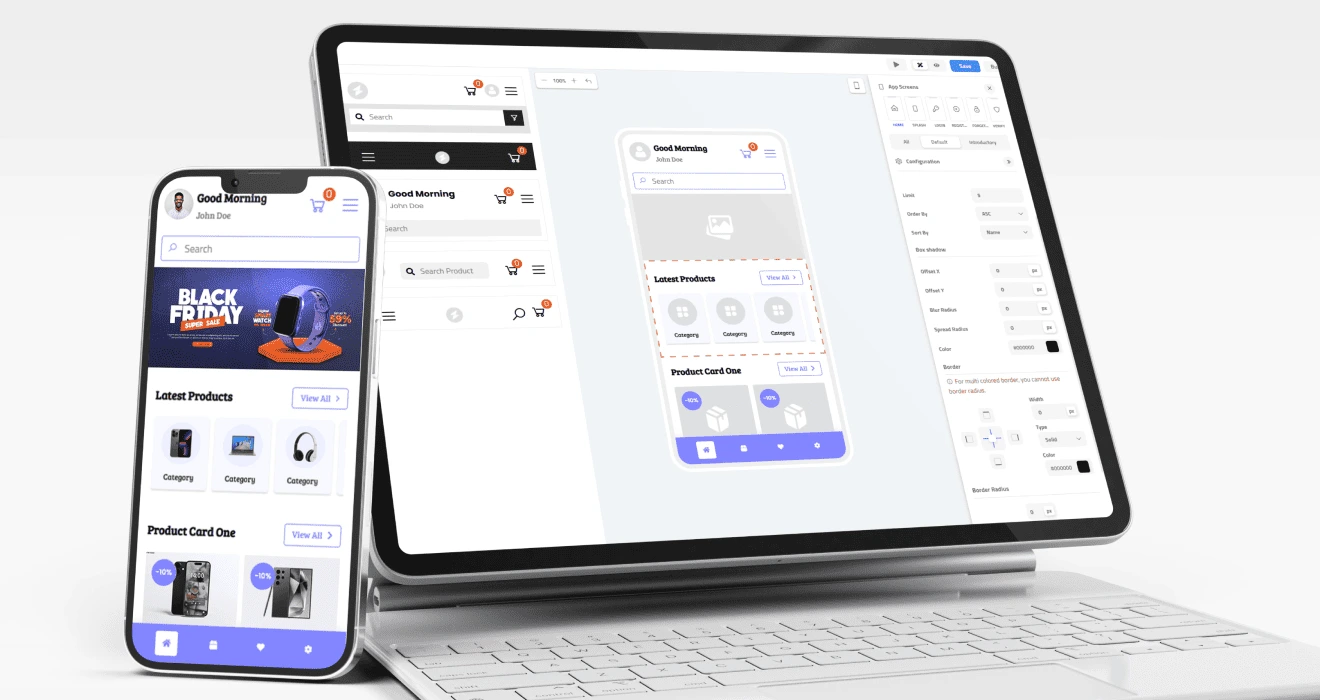
The selected model makes three parts of the product spatially predictable: what merchants can add, what they are building, and how they can customise it. Real-time preview turns abstract controls into direct feedback.
- Component library for discovery
- Live mobile preview for feedback
- Contextual controls for selected content
- Templates as onboarding, not a limitation
04 — Progressive complexity
Powerful,
never precious.
Advanced capability should not make the basic experience feel advanced. Common visual choices stay clear and immediate; deeper configuration appears only when a user needs it.
- Start with templates or obvious components
- Edit common content and visual settings first
- Reveal deeper configuration contextually
- Use sensible defaults and guardrails
05 — Confidence by design
Freedom without
fear of breaking it.
Visible outcomes
Merchant decisions, not implementation language.
Controls move away from technical properties and toward labels, previews, and results that business owners can immediately understand.
Product states
Always know what happens next.
Empty screens, saving, previewing, build progress, publish readiness, and errors should all make the current system state and next action explicit.
06 — Brand & product system
The brand attracts.
The product gets out of the way.
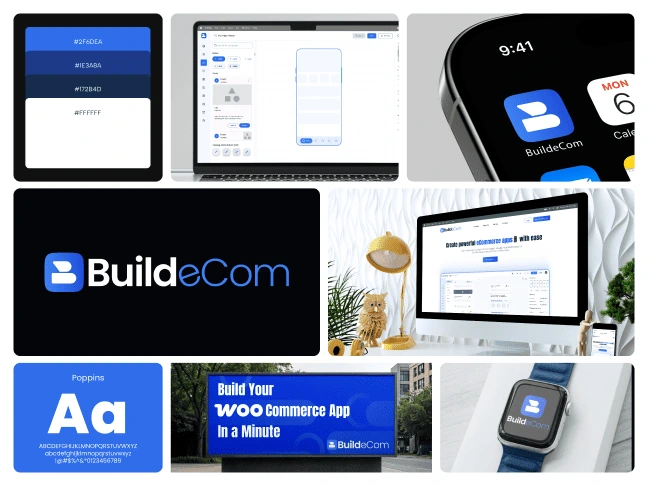
The marketing experience needed personality and confidence. The builder needed restraint so the store app remained the visual focus. A shared foundation across typography, colour, components, and interaction makes them feel like one product.
07 — Outcome
From storefront
to app store.
Merchants can work from visible outcomes rather than technical configuration.
The builder maintains a consistent editing model as screens and components change.
Creation, preview, and publishing are designed as one connected journey.
BuildeCom turns a powerful system into a product that helps store owners feel capable—not technical.
Explore the builder